How to Create a Professional Consulting Invoice (+ Template)
If you’re a consultant, your invoice isn’t just a bill, it’s part of your brand.
And yet, a lot of consultants are still:
- Sending messy spreadsheets
- Forgetting key details
- Manually calculating totals
- Chasing late payments
That costs you time, and more importantly, it can cost you money.
The good news is you don’t need complicated software to fix this. You just need a simple, structured system.
In this guide, I’ll show you exactly how to create a clean, professional consulting invoice in minutes. And if you want to skip the trial-and-error, I’ll also show you the exact system I personally use, you can check it out here.
What a Proper Consulting Invoice Must Include
Before we talk about tools, let’s get the fundamentals right.
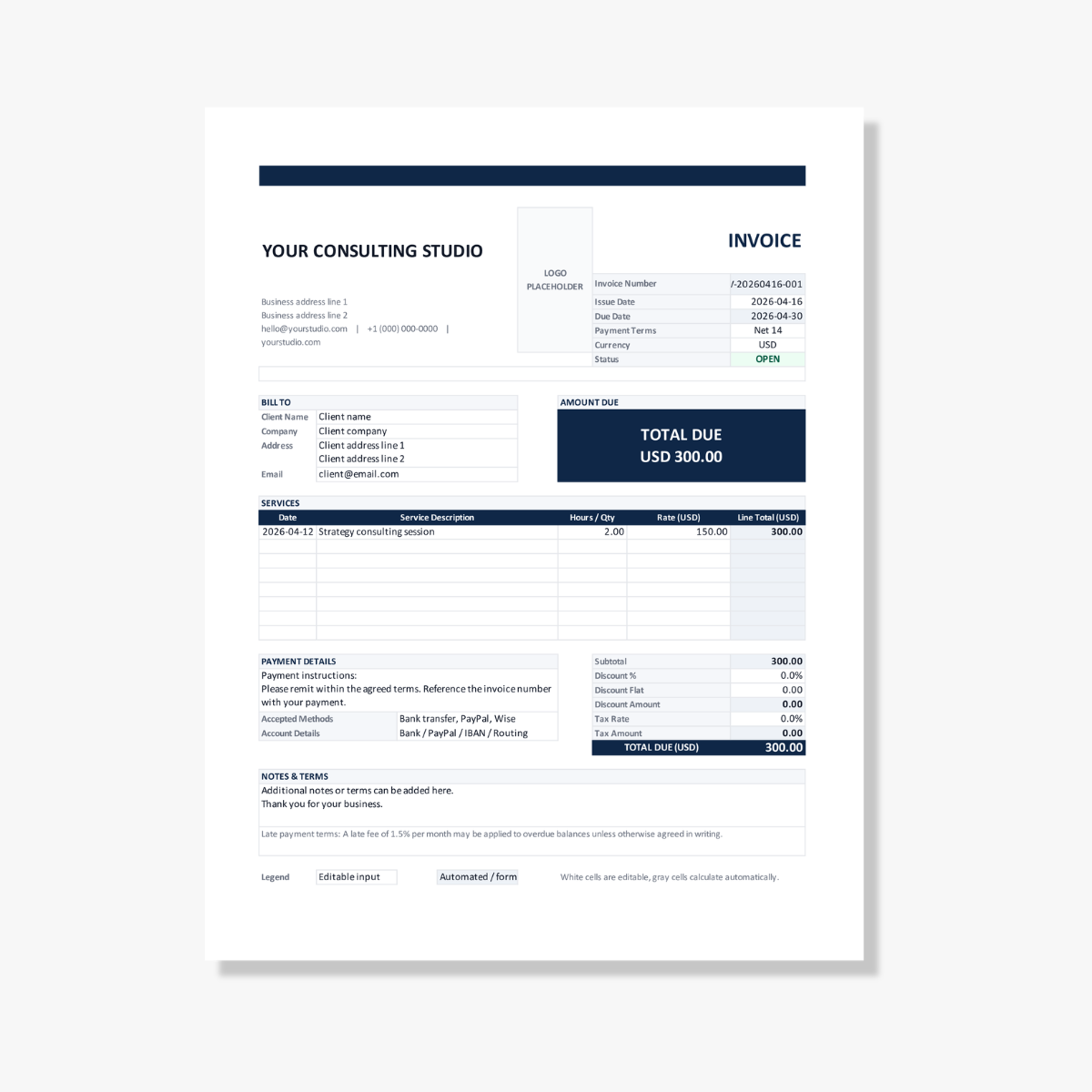
A professional consulting invoice should always include:
- Invoice number for tracking
- Your business details
- Client information
- List of services provided
- Rates and totals
- Issue date and due date
- Clear payment terms
Miss any of these, and you risk confusion, delays, or looking unprofessional.
Interestingly, most consultants don’t realize how many of these they miss until they compare their invoices to a properly structured one like this.
Common Invoice Mistakes Consultants Make
Most invoice problems come down to the same few issues:
1. No clear due date
If you don’t state when payment is due, clients will take their time.
2. No payment terms
Without defined terms, you have no leverage if payment is late.
3. Messy formatting
Cluttered or inconsistent invoices reduce trust.
4. Manual calculations
One small math error can undermine credibility and delay payment.
5. No tracking system
If you don’t know which invoices are open or overdue, follow-ups become chaotic.
These are exactly the kinds of issues I designed my invoice system to eliminate automatically, without adding complexity.
The Slow Way (What Most People Do)
A lot of consultants still:
- Open a blank Excel or Word file
- Copy an old invoice
- Change a few numbers
- Recalculate totals manually
- Forget to update dates or invoice numbers
It works, but it’s inefficient and error-prone.
If you’re invoicing regularly, this adds up fast.
The Faster Way: Use a Done-for-You Invoice System
Instead of rebuilding invoices every time, you can use a structured template that handles the repetitive parts for you.
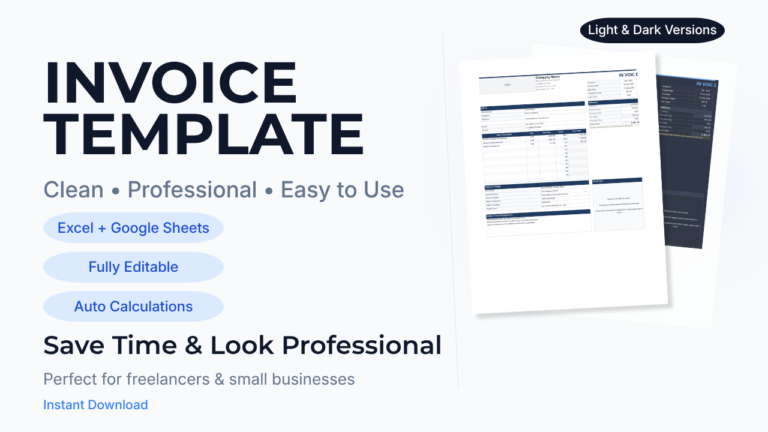
That’s exactly what this consulting invoice template is designed to do.
What makes it different:
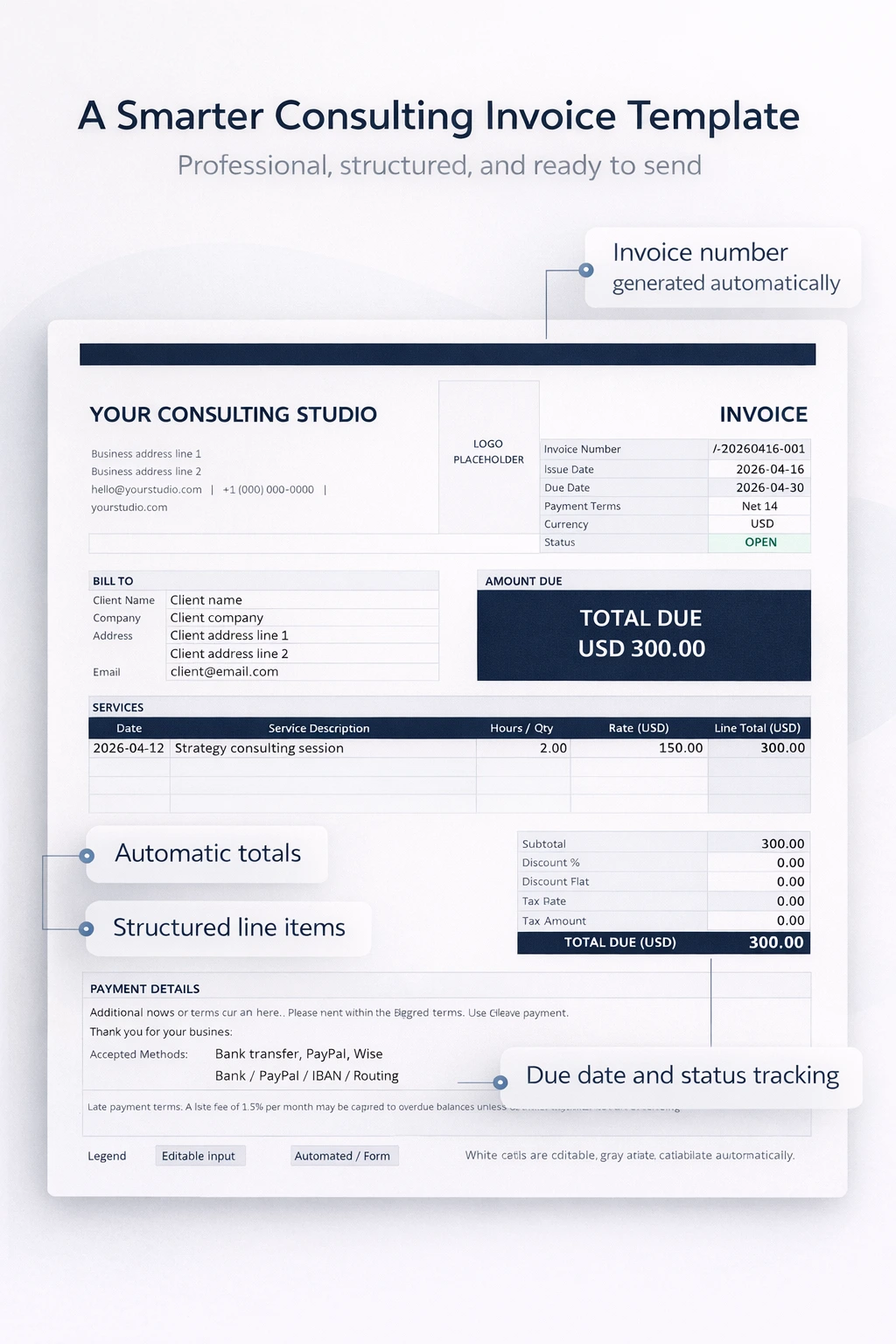
1. Automatic invoice numbering
No more guessing or duplicating invoice numbers. Each invoice is tracked properly.
2. Built-in due date logic
Enter the invoice date, and the due date is calculated automatically based on your payment terms.
3. Status tracking (OPEN, DUE SOON, OVERDUE)
You instantly see which invoices need attention, without maintaining a separate tracker.
4. Clean, professional layout
Designed specifically for consultants, so your invoices look polished and consistent every time.
5. Automatic calculations
Totals are calculated for you, reducing errors and saving time.
This isn’t theory. It’s exactly how the template I use is structured behind the scenes, so you don’t have to think about any of this.
If you want to see what that looks like, you can explore the full template here:
Download the consulting invoice system
How to Create Your Invoice in 5 Minutes
Here’s how simple it is to use the system:
Step 1: Enter your business details
Add your name, company (if applicable), and contact info.
Step 2: Add client information
Fill in your client’s name and details once, clearly organized.
Step 3: List your services
Use the structured table to:
- Describe the work
- Enter rates
- Add quantities or hours
The template handles the math.
Step 4: Set the invoice date
The due date updates automatically based on your terms.
Step 5: Review and send
That’s it. You have a clean, accurate invoice ready to send.
If you want to skip setting this up yourself, you can download the exact version I use here.
Why This Matters More Than You Think
A good invoice does more than request payment.
It:
- Reinforces your professionalism
- Reduces back-and-forth with clients
- Speeds up payment timelines
- Helps you stay organized as you grow
And most importantly, it removes friction from your workflow.
Small systems like this compound over time, especially once you start handling multiple clients.
Download the Template
If you want a faster, cleaner way to handle invoicing, you can use the exact template described above.
It’s built specifically for consultants who want:
- Simplicity
- Accuracy
- A professional look without extra tools
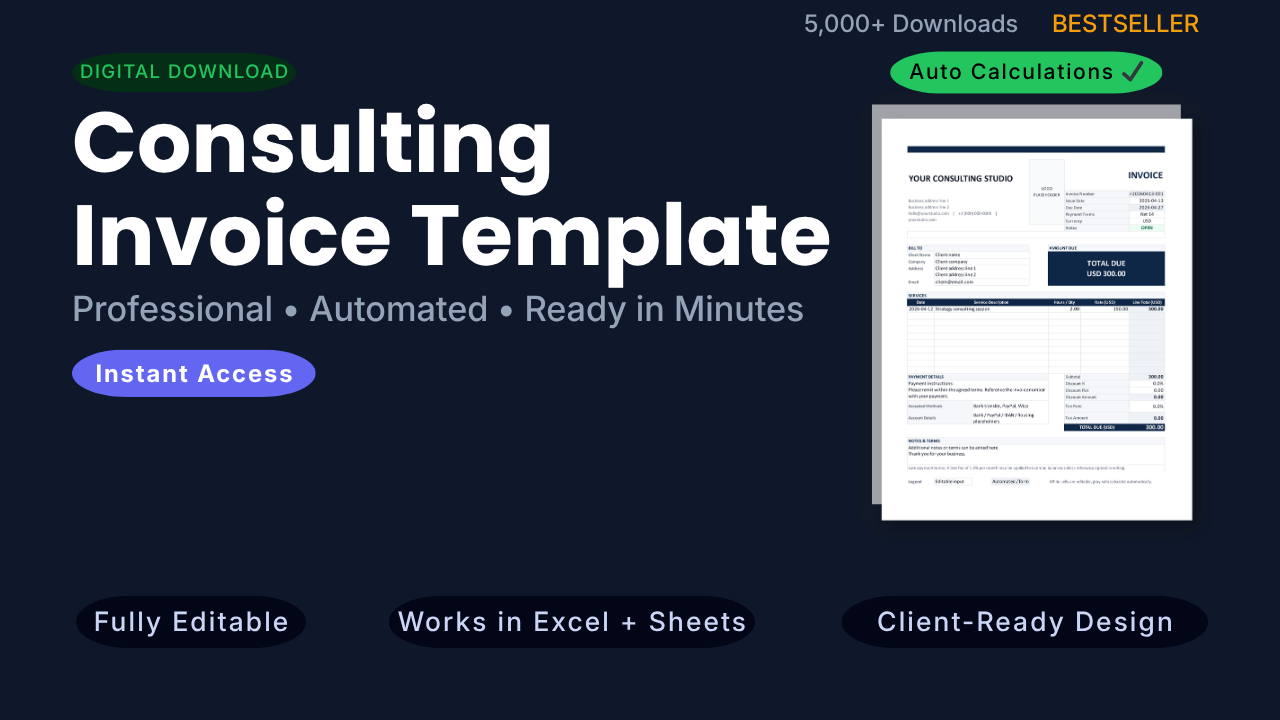
Download the consulting invoice template here and start using it today.
Bonus: How to Get Paid Faster as a Consultant
Even with a great invoice, a few small tweaks can improve your cash flow:
1. Use shorter payment terms
Net 7 or Net 14 often works better than Net 30.
2. Be specific in your service descriptions
Clear breakdowns reduce disputes and delays.
3. Send invoices immediately
Don’t wait days after completing work.
4. Follow up consistently
Your template’s status tracking makes this much easier.
A simple status system makes this much easier, especially if it’s already built into your workflow.
Final Thought
You don’t need more tools. You need a better system.
Once your invoicing is structured and automated, even in something as simple as Excel, you free up time, reduce stress, and get paid faster.
Start with a solid template, and everything else becomes easier.
If you want to see exactly how that system looks in practice, you can check it out here.