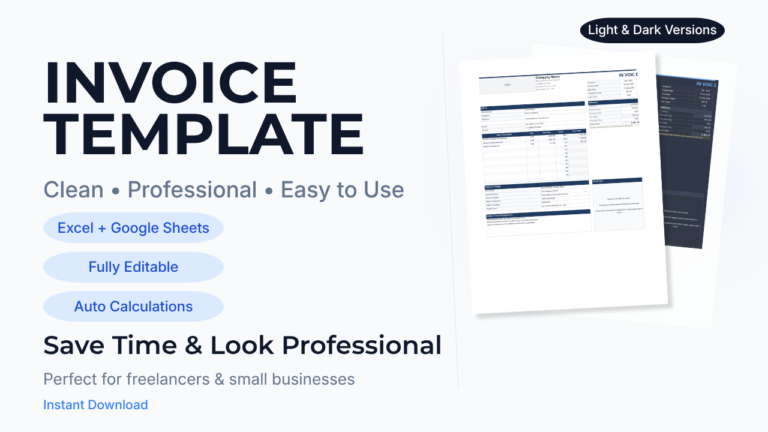
How to Create a Professional Contractor Invoice (+ Template)

If you’re a contractor, handyman, or freelance trades professional, your invoice isn’t just paperwork, it’s how you get paid.
And yet, a lot of contractors are still:
- Sending messy invoices
- Forgetting important details
- Spending way too long creating them
- Or worse, not getting paid on time
A professional invoice fixes all of that.
In this guide, you’ll learn exactly how to create a contractor invoice that looks professional, builds trust, and helps you get paid faster.
What a Professional Contractor Invoice Must Include
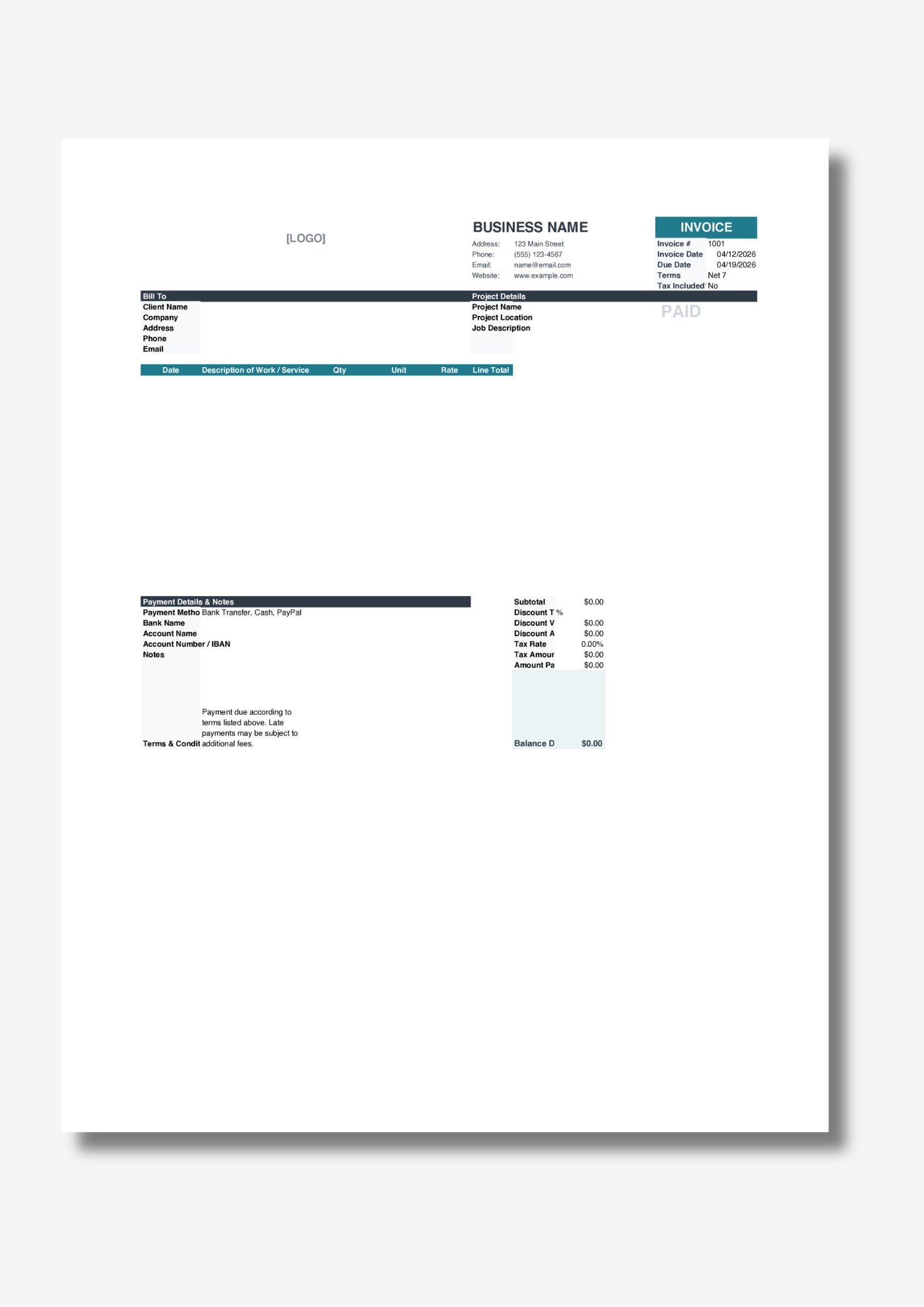
A good invoice is clear, complete, and easy to understand. If anything is missing or confusing, it can delay payment.
Here’s what every contractor invoice should have:
1. Your Business Information
- Business name
- Logo (optional but recommended)
- Phone number and email
- Address
2. Client Information
- Client name or company
- Address
- Contact details
3. Project Details
- Project name
- Job location
- Description of the work completed
4. Itemized Charges
Break down your work clearly:
- Date
- Description
- Quantity
- Rate
- Line total
5. Totals and Pricing
- Subtotal
- Taxes (if applicable)
- Discounts (optional)
- Total amount due
- Remaining balance
6. Payment Information
- Accepted payment methods
- Bank details or payment instructions
- Payment due date
When all of this is clearly laid out, your client knows exactly what they’re paying for, and how to pay you.
If you’ve ever wondered why some invoices just “feel easier” to read and get approved faster, it usually comes down to how these sections are structured and presented.
Common Invoice Mistakes That Delay Payment
Even experienced contractors make small mistakes that cost them time and money.
Avoid these:
Missing Payment Instructions
If your client doesn’t know how to pay you, they’ll delay it.
No Due Date
No deadline = no urgency.
Unclear Descriptions
“Labor” isn’t enough. Be specific about what was done.
Incorrect Totals
Manual calculations can easily lead to errors.
Inconsistent Formatting
A messy invoice can reduce trust and slow approval.
These problems are exactly why many contractors struggle with late payments.
Interestingly, most of these issues aren’t about skill, they’re about systems. The way your invoice is built either prevents mistakes… or creates them.
How to Create a Contractor Invoice (Step-by-Step)
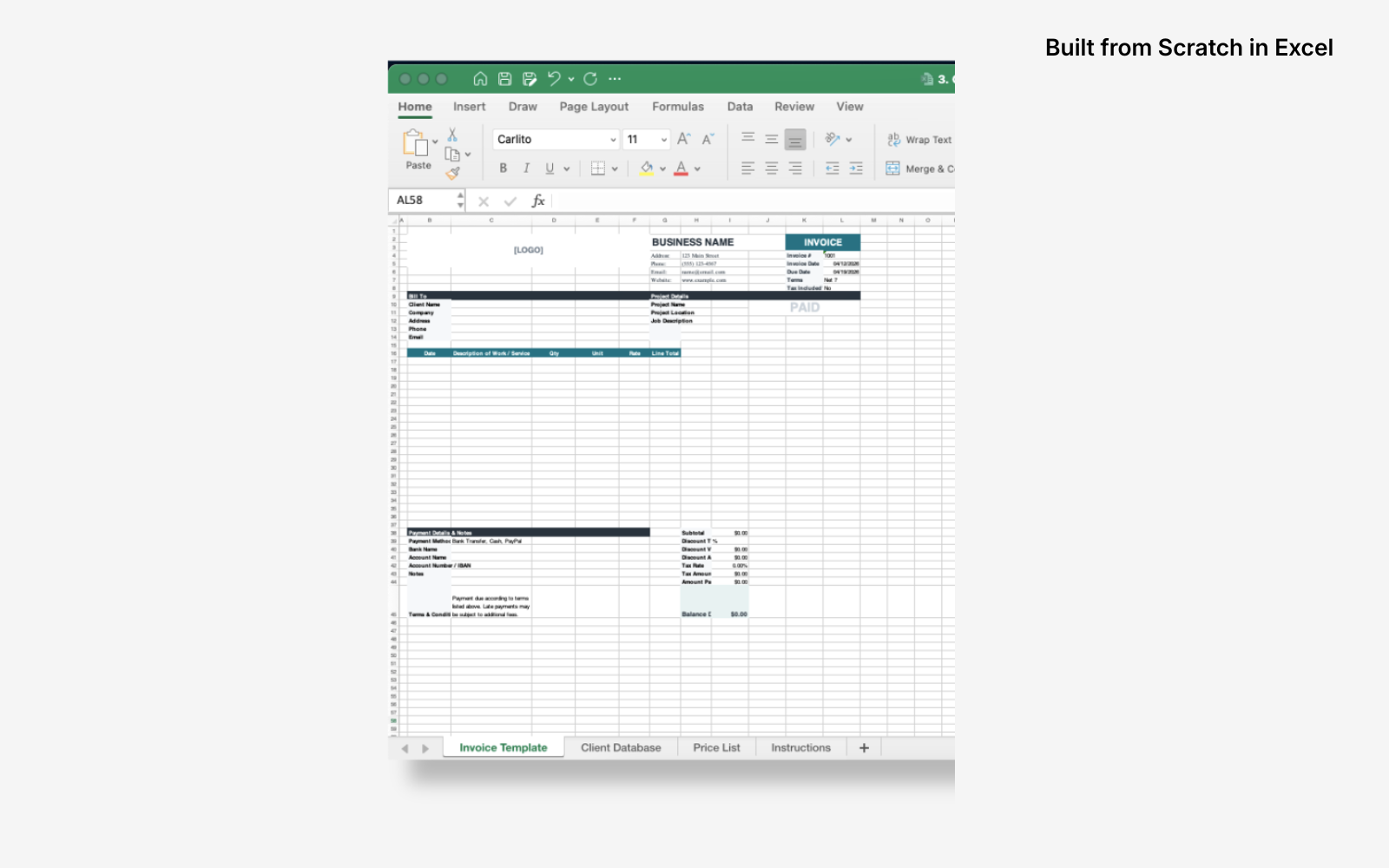
You can build an invoice from scratch in Excel or Google Sheets. Here’s what that looks like:
- Create a layout for your business and client details
- Build a table for line items
- Add formulas for totals, taxes, and balances
- Format everything so it looks professional
- Double-check calculations every time
It works, but it’s time-consuming and easy to mess up.
One broken formula can throw off your entire invoice.
And if you’ve ever rebuilt the same invoice layout over and over, you already know how much time that quietly eats up.
The Faster, Easier Way
Instead of building everything from scratch, many contractors use a ready-made invoice template.
A good template already includes:
- Clean, professional layout
- Automatic calculations for totals and taxes
- Organized sections for client and project details
- Itemized tables that are ready to use
- Reusable structure for every new job
For example, with a structured template, you can:
- Enter your business details once
- Save repeat clients for faster invoicing
- Add line items and let totals calculate automatically
- Export or send invoices in minutes
There’s a reason experienced contractors rarely build invoices from scratch anymore. Once you see a properly set up system, it’s hard to go back.
You can see the exact template many contractors are switching to here: Professional Contractor Invoice Template.
Why a Professional Invoice Helps You Get Paid Faster
This isn’t just about looks, it’s about results.
A clear, well-structured invoice:
- Builds trust with your client
- Reduces back-and-forth questions
- Makes approval quicker
- Removes friction from the payment process
When everything is easy to understand, clients are much more likely to pay quickly.
In many cases, getting paid faster has less to do with chasing clients, and more to do with removing confusion upfront.
A Simple Way to Start Today
If you want to skip the setup and start sending professional invoices right away, using a ready-made template is the easiest option.
The Contractor Invoice Template includes:
- A clean, professional design
- Automatic calculations for totals, taxes, and balances
- Sections for business info, clients, and project details
- Itemized tables for clear billing
- A reusable system for every job
It’s designed so you can go from “I need to send an invoice” to “invoice sent” in just a few minutes, without worrying about formatting or formulas.

Access the template and start using it immediately here: Professional Contractor Invoice Template
Final Thoughts
Creating a professional contractor invoice doesn’t have to be complicated.
You just need:
- The right structure
- Clear information
- Accurate totals
- And a system you can reuse
Once you have that in place, invoicing becomes quick, easy, and consistent, and getting paid becomes a lot smoother.
And once you experience how fast invoicing can be with the right setup, you’ll wonder why you ever did it the hard way.